


Inpirational
The 5 Best Graphic Design Trends to Apply Today
Read More
/24 Jul 2025


When you build a website, you often need small pictures called icons. They help make your site look clean and easy to use. Two popular choices for these icons are Font Awesome and Unicons. While they both do the same job, they have some important differences. Let's look at what makes them unique.
Font Awesome is a very well-known icon library. It has been around for a long time. Many people use it because it has a huge number of icons for almost any need. It's often one of the first icon sets people learn about.
Unicons is another great choice. It comes from a company called IconScout. Unicons offers a big collection of icons, too. A key thing about Unicons is that it focuses on a clean, modern look. It's known for having a consistent style across all its icons.
Both libraries have different styles you can choose from. This helps you match the icons to the design of your website.
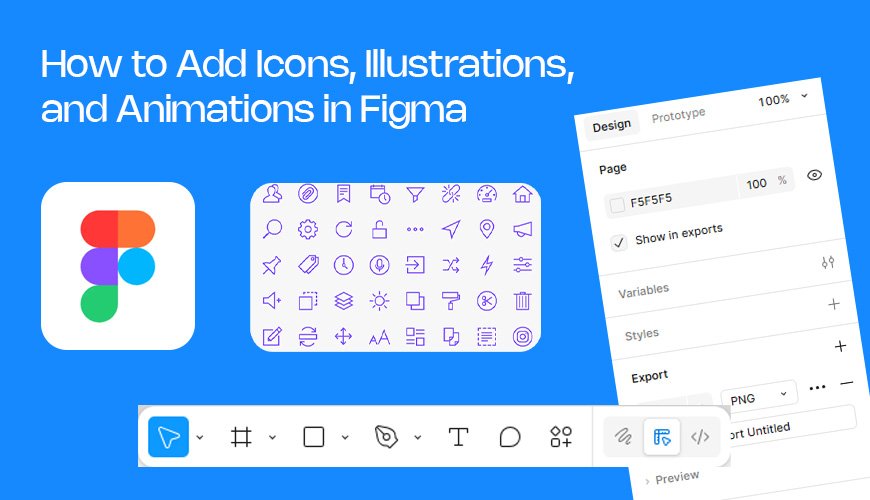
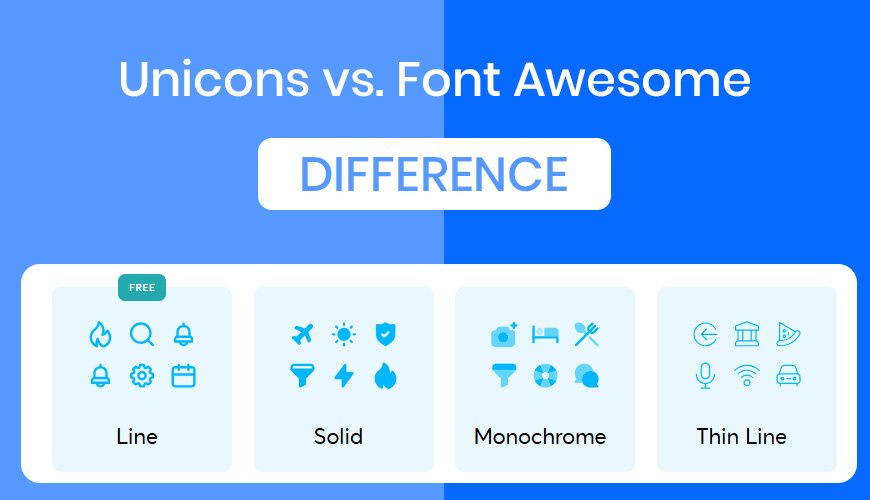
Font Awesome has a few main styles. The "Regular" style is a simple line drawing of the icon. The "Solid" style is a filled-in version. It's useful for when you need an icon that stands out more.
Unicons has similar styles. They call them "line icons" and "solid icons." The line icons are simple outlines. The solid icons are fully filled in. The way Unicons draws these is very consistent, which gives them a clean look.
Font Awesome also offers a "Duotone" style. This means the icon uses two different colors. It adds a bit more visual interest than a single-color icon. This can make a design feel more modern and creative. Unicons usually sticks to a single color, which is called "monochrome." This keeps the look simple and clean.
Font Awesome has a "Light" style. These are icons drawn with a very thin line. They look delicate and can be great for a design that needs a subtle touch.
Unicons has a style called "thinline." This is the same idea. The lines are very thin and look lightweight. It's perfect for minimal or simple designs.
Some icon sets have sharp corners. Font Awesome icons often have slightly rounded corners, which gives them a softer feel. Unicons icons are generally more rounded and smooth. It’s a design choice that depends on the look you want.
Both libraries have icons for popular brands like Facebook, Twitter, and Amazon. Font Awesome organizes these icons in a "Brands" category. Unicons does the same. This makes it easy to find logos for social media or other well-known companies.
Icons don't have to be still pictures. They can move, too! This is called animation. Unicons has a great library of animated icons. These are ready to use. This can add a fun, interactive feel to your website.
With Unicons, you can find icons that spin, pulse, or change shape. They are designed to be smooth and eye-catching. This is a big feature for Unicons.
Some modern designs use three-dimensional or "3D" icons. These icons look like real objects with depth and shadow. Both libraries offer some 3D icons, but Unicons, through IconScout, has a strong focus on them. They can make a website feel very modern and high-tech.
IconScout, the creator of Unicons, has a large collection of professionally made 3D icons. This is a great resource if you want to give your website a premium, detailed look.
Both Font Awesome and Unicons are excellent choices for icons. Font Awesome is a classic, with many options and a long history. Unicons is a newer option that focuses on modern styles, especially with its clean lines and ready-to-use animations and 3D icons. The best one for you depends on your website's style. If you want a simple, clean, and modern look, Unicons might be the better choice. If you need a huge library and are comfortable with a more traditional look, Font Awesome is a great option.